Pay with GCash
The Exam Week Block Planner
₱—
Loading today's price…
1Pay with GCash
Open GCash, tap Pay QR, and scan this code. The amount is already filled in. On your phone? Save this QR (long-press it), then upload it from your gallery in GCash.
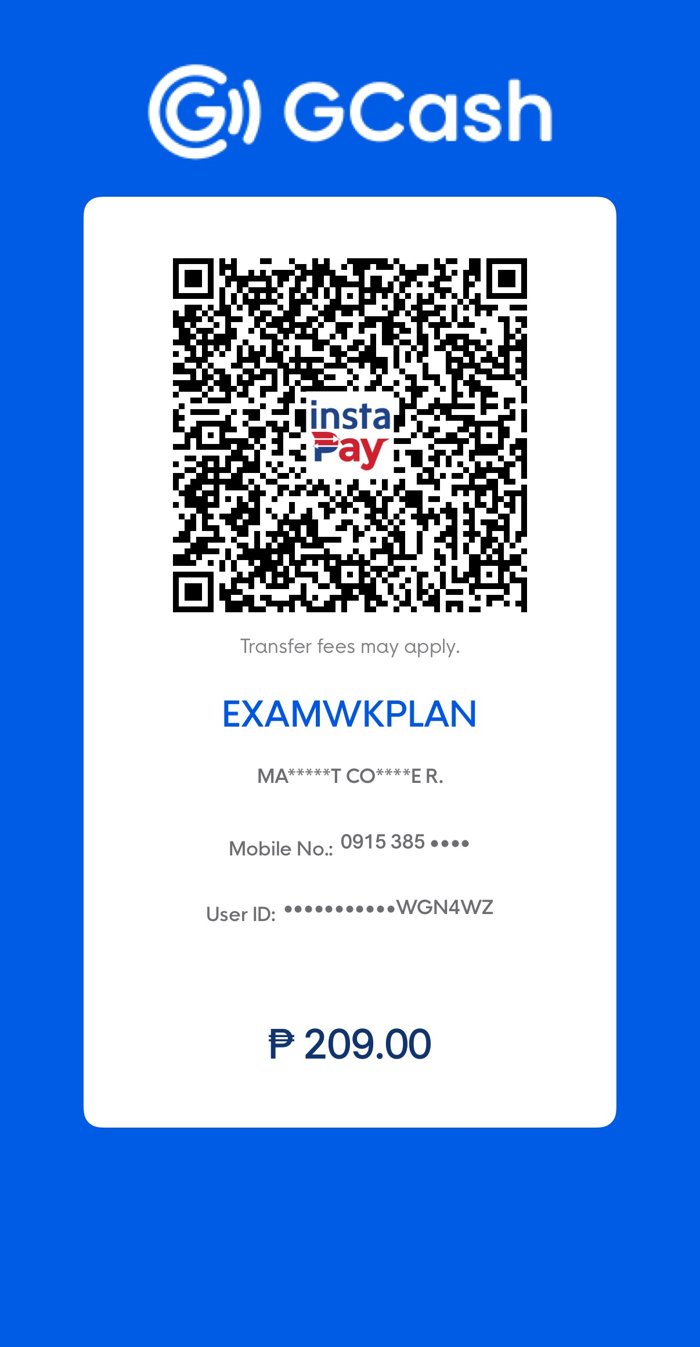
Send exactly ₱—
- Take a screenshot of your GCash receipt after paying.
- Copy the 13-digit reference number on the receipt.
2Send your receipt
Fill this in and you'll get a one-time code by email within a minute or two. Use it on Payhip to download the planner for ₱0.
3Download on Payhip
Open the email, click the Payhip link, click Buy, and enter your code at checkout. Your total becomes ₱0, and the PDF downloads right away. Payhip also emails you a copy.
No email after 10 minutes? Check spam or Promotions first, then email me at margaretcorinne.medicine@gmail.com with your GCash reference number.
Paying by card? Check out on Payhip instead.